Guides
Why each part of a budget works. For step-by-step help in the app, see Docs.
Start here
How to budget your money step by step
Make a first budget from take-home pay, bills, everyday spending and leftover money, then check that this paycheck lasts until the next one.
Read the starter guide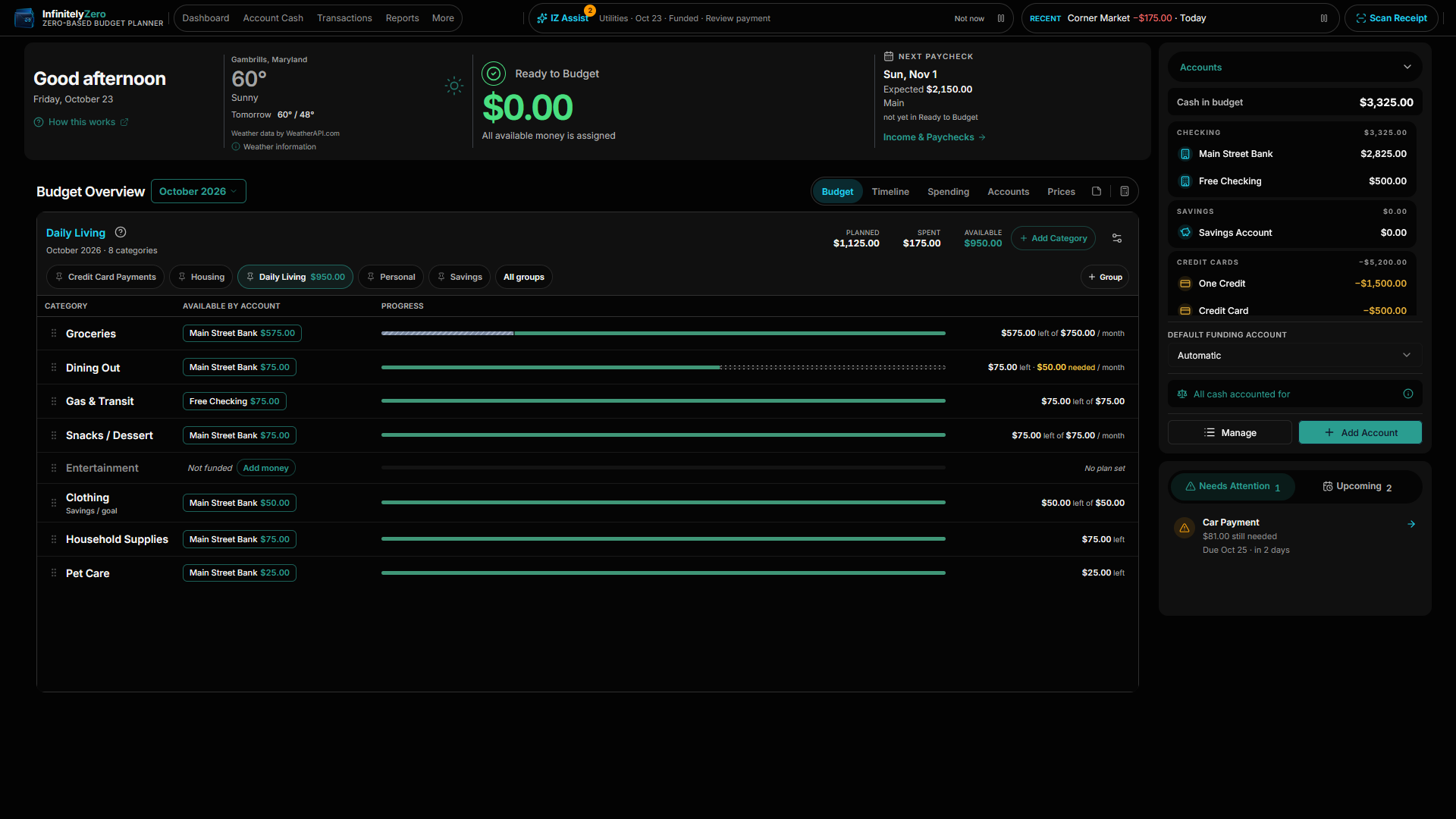
Plan your money
The method, one paycheck at a time.
How to make a zero-based budget
Six steps and a worked example, then how to adjust when spending changes.
Read guide →PaychecksIncludes Pay SchedulesBudget by paycheck: make this deposit last until the next one
Plan one payday-to-payday window at a time, for any pay schedule.
Read guide →AccountsHow to budget when your money is spread across different accounts
Keep the right money in the right account for each bill.
Read guide →Choose your setup
Is InfinitelyZero the right fit?
Budgeting app or spreadsheet: which fits you better?
What changes when you move a budget off a spreadsheet.
Read guide →No bank loginBudget without connecting your bank account
Enter or import activity yourself and stay in control.
Read guide →WindowsA budgeting app built for Windows
A dedicated budgeting workspace from the Microsoft Store.
Read guide →Spend smarter
Everyday spending, item by item.
Know what your groceries actually cost over time
Price history and trends for the things you buy, including from scanned receipts.
Read guide →StorageKeep your budget local when you want to
Use InfinitelyZero as a local budgeting app without requiring Cloud storage. Manage your budget locally and choose Cloud when you want supported cloud features.
Read guide →Free calculators
Debt payoff, savings goals, income conversion and loan payments.
Open calculators →